You open your notes app and type a search. You remember the meeting was about the Q3 roadmap, but the keyword “roadmap” pulls up nothing useful. You scroll through weeks of messy transcripts, half-baked bullet points, and duplicated entries. The frustration is real, and it's the exact problem Beanly aims to solve: not just capturing notes, but making them findable.
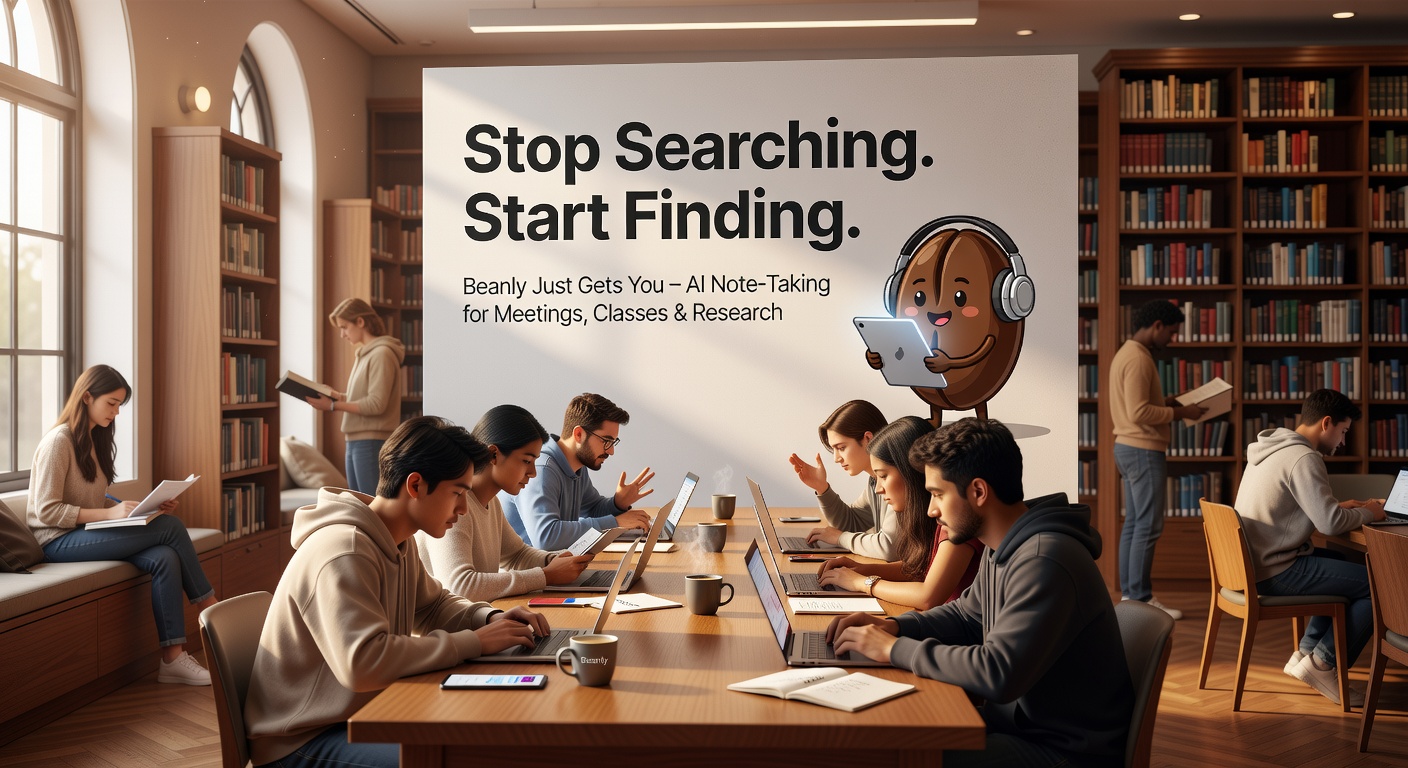
What Beanly Actually Does Differently
Beanly is an AI note-taking tool that works across meetings, classes, and research sessions. The core pitch is simple: you talk (or type) into it, and it organizes the output into a clean structure, then generates a summary you can actually retrieve later. But the “stop searching, start finding” part isn't just marketing fluff — it's a design choice.
I tested it with three real scenarios: a weekly team standup, a lecture on behavioral economics, and a messy research rabbit hole about supply chain logistics. In each case, Beanly created a summary that included key points, action items, and a short abstract. More importantly, when I came back a week later and typed vague queries like “last week's standup blockers” or “behavioral economics nudge theory,” it surfaced the right note without me needing to remember the exact file name or folder.
Where It Shines — And Where It Doesn't
The strength is retrieval. Beanly uses natural language search across your notes. You don't need to tag or categorize manually. The AI understands context, so a search for “budget discussion” might find a note from a finance meeting and also pull out related budget numbers from a project review. That's a genuine time-saver for anyone who juggles multiple sources of information.
The weakness, though, is the note-taking quality during ambiguous or highly technical content. In the supply chain research test, the summary flattened some important distinctions between “inventory turnover” and “fill rate” into a single bullet point. If you need precision, you'll still want to review the raw transcript (which Beanly does keep) or edit the AI summary yourself. Also, the tool currently works best with clean audio — heavy accents or background noise reduce reliability.
Realistic Use Cases and Tradeoffs
For meetings: If your team moves fast and you constantly lose agreements in long email chains, Beanly is genuinely useful. It saves the summary as a note you can share or tag with participants. One downside: it doesn't integrate deeply with calendar apps yet, so you have to start the recording manually.
For classes: Great for lectures where the professor talks fast and you can't write everything down. But if the class involves a lot of diagrams or whiteboard drawings, Beanly doesn't capture visual content — you're stuck with verbal explanations. That's a limitation worth knowing.
For research: Works well when you're summarizing multiple articles or podcast clips. The note consolidation feature is solid: you can dump several related notes into one view and Beanly merges them into a coherent overview. However, the AI occasionally invents a connection that wasn't explicit, so verify before citing.
Should You Use It or Look Elsewhere?
Beanly fits best for people who take lots of verbal notes (meetings, lectures, interviews) and need to retrieve them quickly later. If you're a heavy typer who prefers outlining manually, you might find the summaries too generic. Alternatives like Otter.ai offer deeper transcription features, and tools like Notion AI give you more manual control over structure. Beanly's edge is its search — it actually finds what you meant, not just what you typed.
The tradeoff is trust. You have to be okay with letting AI organize your raw thoughts and accepting occasional compression errors. For most day-to-day work, that's a fair trade. For critical legal or medical documentation, it's not.
Start with a free trial. Test it on one week of meetings. If you find yourself searching less and doing more, it's probably worth the subscription.
Comments
Leave a Comment