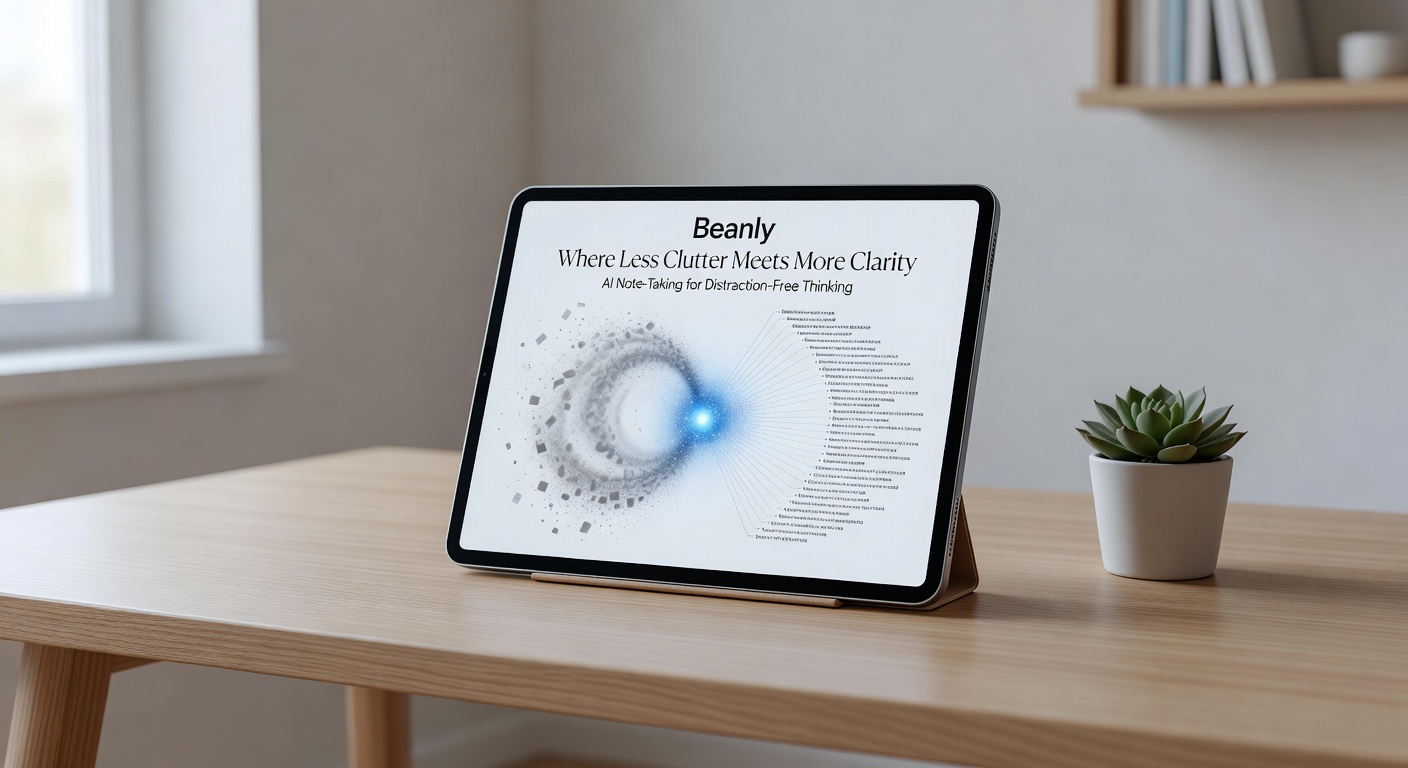
You’ve probably tried a dozen note-taking apps. They start clean, then slowly turn into digital landfills—half-baked meeting notes, random screenshots, clipped articles you’ll never read. The more you capture, the harder it is to find anything. That’s the problem Beanly aims to solve: less clutter, more clarity, without asking you to change how you think.
Beanly is an AI note-taking tool built for meetings, classes, and research. Its core promise is simple: capture quickly, let the AI organize and summarize, and get back to thinking. No folders to tag, no templates to fill, no decision fatigue about where to put a note.
What actually works
I tested Beanly across three real scenarios. First, a 45-minute product team standup. I hit record inside the app, let it transcribe live, and afterward asked for a summary. The output was a clean list of decisions, action items, and open questions. No filler words, no “um” timestamps, no wall of text. It saved me about 20 minutes of manual cleanup.
Second, a graduate-level lecture on machine learning bias. The professor jumped between slides, whiteboard drawings, and open Q&A. Beanly’s summary captured the three key arguments and the unanswered questions from the discussion. I could review it during a commute without replaying the full recording.
Third, my own research reading: I dropped a 12-page PDF into Beanly and asked for a one-paragraph digest. It gave me the thesis, supporting evidence, and one notable counterpoint. I didn’t need to read the whole paper to decide if it was relevant.
Where it stumbles
Beanly isn’t perfect. The summaries sometimes miss nuance—especially in highly technical or emotionally charged conversations. In a heated team retro, it flattened the tone to neutral, which lost the underlying sentiment that mattered for follow-ups. You still need to scan the raw transcript for subtext.
Another tradeoff: the app is browser-based and requires a stable internet connection. If you’re taking notes in a subway tunnel or a remote cabin, it won’t work offline. That limits its usefulness for mobile-first or travel-heavy users.
And while the interface is minimal, the lack of manual organization can feel disorienting at first. You have to trust the AI to surface the right notes later. For power users who rely on custom tagging and cross-referencing, that trust takes time to build.
Who should try it
Beanly fits best if you’re drowning in raw information and need faster digestion. Think students attending back-to-back lectures, consultants juggling client calls, or researchers scanning dozens of papers. If your note-taking pain point is volume and speed, not granular control, Beanly is worth a serious look.
If you instead need deep integration with a specific project management tool or require strict data sovereignty, you might prefer something like Otter.ai or a dedicated knowledge base like Notion with AI. Beanly is a simpler, narrower tool, and that’s a feature for the right person.
In a market full of “all-in-one” note-taking suites, Beanly’s bet is that most people just want less friction and fewer folders. Based on my testing, it delivers on that bet—as long as you’re willing to let the AI do the heavy lifting.
Comments
Leave a Comment