You know the feeling. A brilliant idea strikes mid-walk, during a boring meeting, or right as you're about to fall asleep. You grab your phone, hit record, and ramble for two minutes. The next morning, you open the voice memo, stare at a wall of unformatted text filled with "um"s and tangents, and give up. The idea evaporates.
Voice-to-text magic isn't about transcribing everything you say. It's about capturing the signal without the noise. And if you're the type of person who hates typing but loves thinking - lazy, brilliant, or both - the real trick is pairing voice capture with smart organization.
The problem with raw transcripts
I've been testing voice-to-text tools for years, and the common flaw is the same: they give you exactly what you said, which is rarely what you meant. A two-minute lecture fragment becomes a rambling paragraph. A meeting brainstorm turns into a list of half-sentences. Raw transcripts are helpful for reference, but they don't save you time.
That's where tidenote steps in. It doesn't just capture voice - it summarizes. You speak naturally, it produces clean, structured notes. For meetings, you get action items. For classes, you get key concepts. For research, you get a condensed version of your thinking. The "magic" is that you don't have to edit the messy first draft.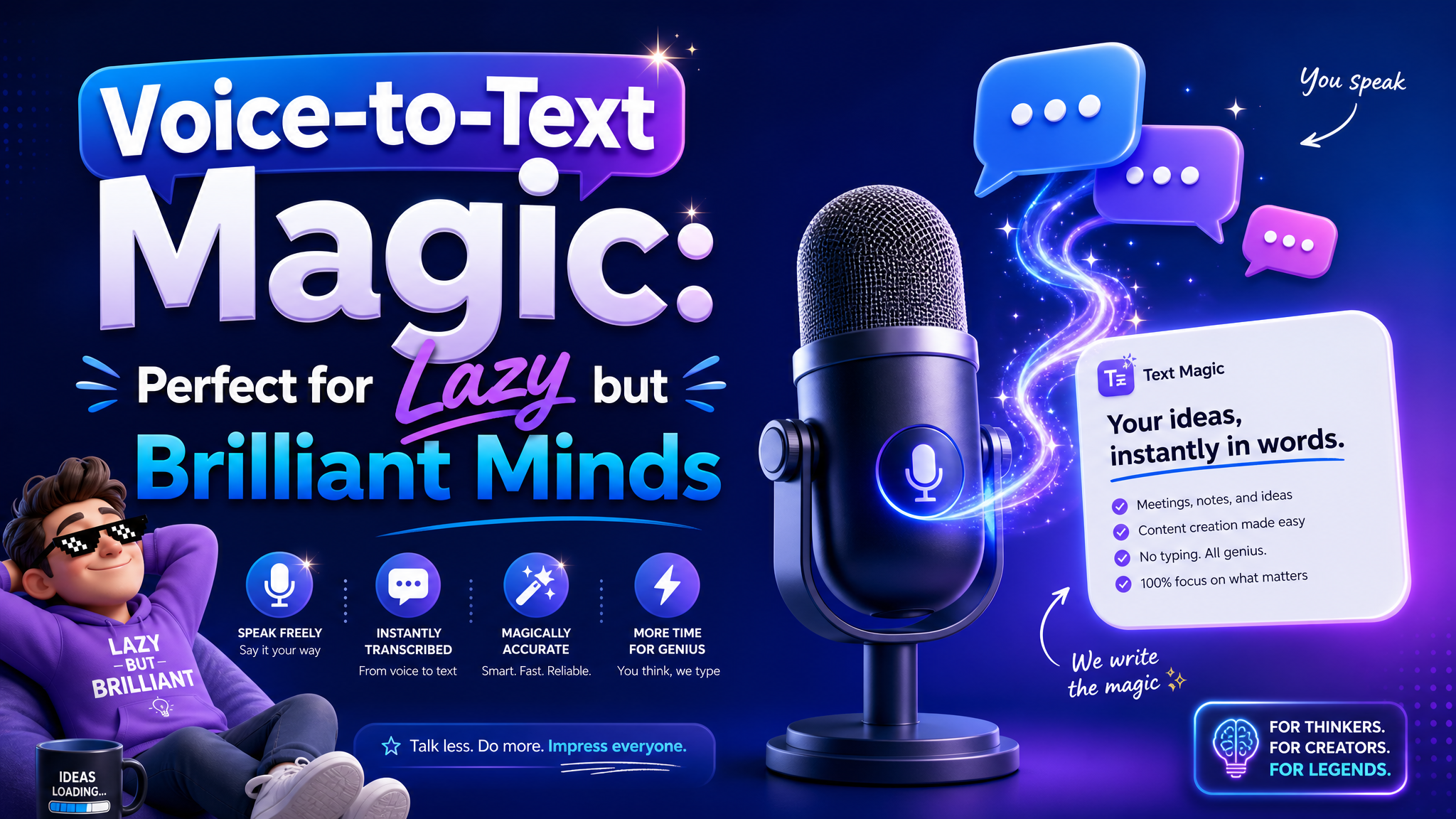
Three realistic scenarios
In a team meeting: You're discussing quarterly priorities. Opening a laptop to type is distracting. Instead, you record the conversation with tidenote. After the call, you have a summary in seconds - decisions, next steps, who owns what. No one has to replay the audio.
During a lecture: The professor talks fast. Handwritten notes miss half the content. Voice-to-text captures everything, but the real win is the automated summary: main arguments, key dates, and definitions. You can actually listen in real time instead of scrambling to write.
Brainstorming solo: You're walking the dog and a product idea hits. You record a messy voice note. Later, tidenote turns that stream-of-consciousness into bullet points. The spark is preserved, but now it's actually usable.
Where voice-to-text still falls short
It's not flawless. Background noise, heavy accents, or fast overlapping speech can confuse the transcription. And even with AI summarization, sometimes it misses context that a human would catch - inside jokes in a team meeting, sarcasm, or subtle agreement cues. If you need verbatim accuracy for legal or compliance reasons, you'll want to double-check.
For everyday note-taking, though, the tradeoff is worth it. A 90% accurate summary beats a 100% accurate raw transcript you never read. The key is finding a tool that closes the gap between capture and organization. Tidenote does that by letting you stay lazy about the transcription part while being brilliant about the insights.
Is it for you?
If you regularly take notes from spoken content - meetings, lectures, podcasts, interviews - and you hate the friction of converting ideas into text, voice-to-text magic is your shortcut. But only if you trust the AI to pull out the main points. Don't expect perfection; expect speed. And for lazy but brilliant minds, speed is everything.
Start with a single use case. Record your next one-on-one meeting, let tidenote summarize it, and see if the output feels like the note you would have written. If it does, you just saved fifteen minutes. That's the real magic.
Comments
Leave a Comment