Let’s be real: most note apps treat you like a productivity robot. You open them, get hit with folders, tags, project templates—and suddenly taking notes feels like filing your taxes. If you’re in college, jumping between meetings, or just trying to dump random research without getting anxiety, you’ve probably bounced between three different apps already.
That’s why Tidenote stood out when I tested it last month. It’s not trying to be your second brain. It’s more like that chill friend who says “I got you” when you’re drowning in audio recordings and messy bullet points.
What Tidenote actually does differently
It listens. Paste in a 45-minute lecture transcript, a Zoom recording link, or even just a wall of copy-pasted paragraphs, and Tidenote spits back a summary that actually makes sense. No 50-step configuration. You don’t need to train it or build a structure. It just… works.
I threw in a 30-page research PDF overview—reduced to six bullet points in seconds. For a class where the professor rambles for an hour? Two minute read. That’s where the “laid-back” tag fits: you don’t have to fight the interface. You dump the mess, it cleans up.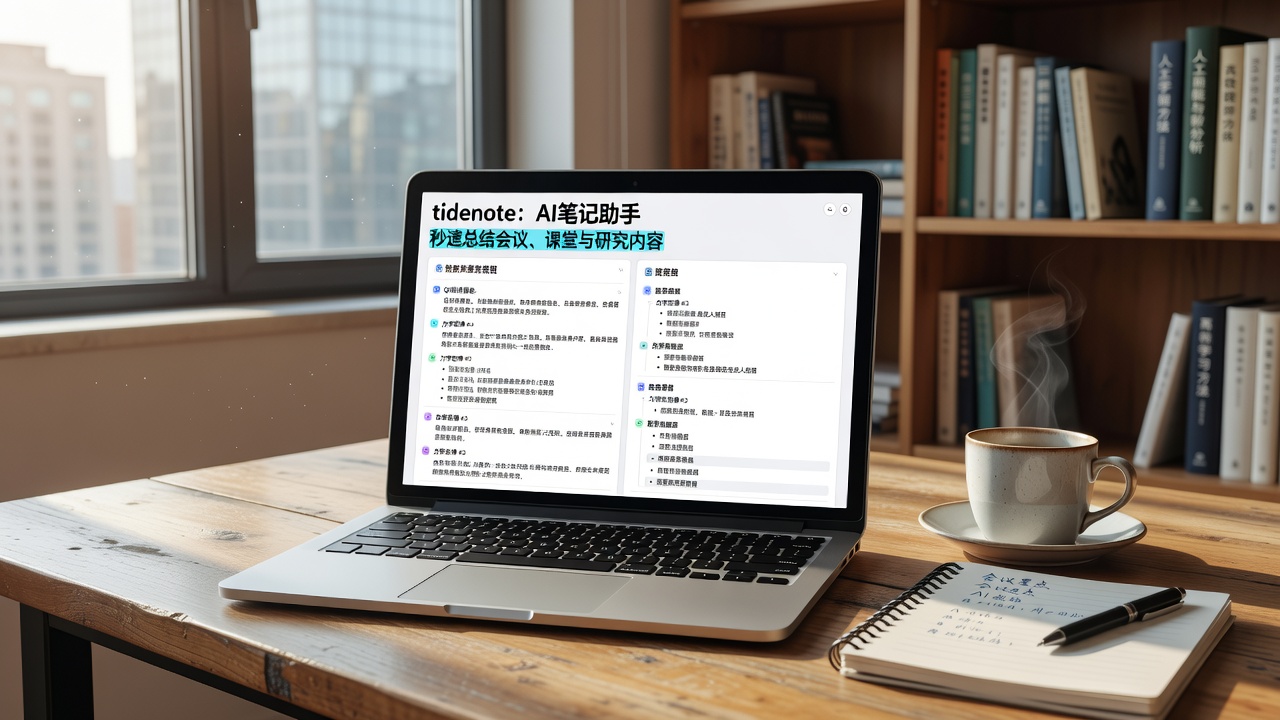
Real scenarios where it saved me
- Team brainstorming session – three people talking over each other, notes chaotic. Pasted the raw Otter transcript into Tidenote, got a tidy list of action items and main discussion threads. Not perfect, but way better than anything I’d have typed myself.
- Late-night research spiral – read 15 articles, copied key lines into a doc. Tidenote condensed them into a page that was actually usable the next morning when my brain was foggy.
- Casual meeting summaries – not every call needs a formal minute. With Tidenote, I just send the summary from the AI note app to the group. No one complains, because it actually captures what we agreed on.
The trade‑offs you should know
Tidenote isn’t a replacement for Notion or Obsidian if you’re building a knowledge base. It doesn’t let you deeply customize folders, link notes manually, or run complex queries. If you’re a power user who lives inside a personal wiki, this app will frustrate you after week two.
Also, the free tier limits you to a number of credits per month. For heavy daily use (multiple long meetings a day), you might hit the cap faster than expected. The summaries are great, but one time it missed a critical nuance in a negotiation call—I had to re-listen to a 2-minute segment. That’s okay, but worth knowing.
It’s best as a companion tool. Grab the raw transcript or notes, throw them into Tidenote, get the clean version. Then move on. If you expect it to also manage projects, deadlines, or complex tagging schemes, look elsewhere.
Should you try it in 2026?
If you’re tired of apps that demand you organize before you think, Tidenote is worth a spin. Especially for students drowning in lecture recordings or anyone who ends calls with messy bullet points they never read again. It won’t replace your deep note‑taking habit, but it’s a solid shortcut when you just need the takeaway.
The real question isn’t “is this the best tool ever?” – it’s “does this make my life noticeably easier three times a week?” For me, yes. Worth a shot.
Comments
Leave a Comment