Taking notes sounds simple, but in practice, it's tiring and easy to give up. After a meeting, class, or reading a document, when you look back at your notes, they're either scattered keywords you didn't have time to jot down, or a dense, unreadable transcript you never want to look at again. Anyone who has used note-taking software is familiar with this frustration.
Recently, I tried an AI note-taking tool called tidenote. After using it for a few days, I feel it really gets the "grasping the key points" part right. It's not a traditional note-taking app that forces you to type every word, nor is it one that just dumps a recording and spits out a full transcript that covers everything but leaves you unable to finish reading it—it helps you digest the content, not just record it.
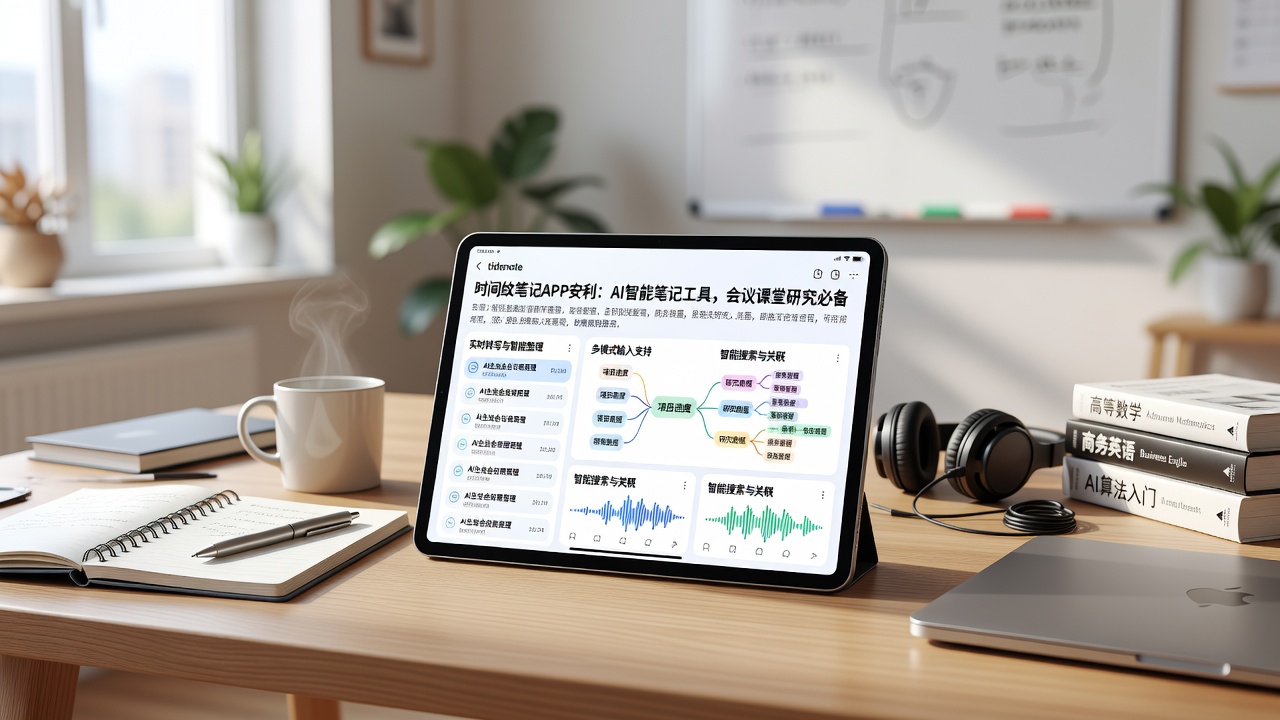
Practical Experience in Three Scenarios
Let me first talk about my most common use case: meeting minutes. In the past, during meetings, I either typed nonstop and missed discussion details, or I recorded the meeting and spent twice the time organizing afterward. tidenote builds on real-time transcription to directly generate meeting summaries, clearly listing who said what, what needs to be done next, and what consensus was reached. The most obvious benefit is that after the meeting, you don't need to spend half an hour re-listening to the recording—you can recall the key points just by reading the summary. This is especially useful for teams that frequently have short, fast-paced meetings.
Another scenario is attending classes or lectures. I tried using it to record a technical sharing session with specialized terminology and formulas. tidenote handled Chinese technical terms more accurately than I expected, and its summary wasn't just a simple extraction of keywords—it compressed the whole content into several logical points with a clear structure. When reviewing after class, looking at the summary alongside the original recording significantly improved efficiency. However, it's worth noting that if the speaker talks very quickly or the classroom is noisy, the recognition accuracy may be affected, but in most cases it works well enough.
There's also the reading scenario, especially when handling long documents or research materials. tidenote can generate summaries directly from long content in articles or PDFs, allowing you to quickly grasp the gist before deciding whether to read in detail. This is very helpful for literature reviews or report writing—you don't have to read every piece from start to finish.
Who Should Use It, and Who Should Think Twice
tidenote's strength lies in "quick distillation" rather than "fine-grained management." If you need a tool that condenses lengthy content into clear key points, it will serve you well. It's especially suited for those overwhelmed by meetings, classes, and documents every day, who lack the energy to organize notes themselves—it can save you a lot of time.
However, if you have high demands for note personalization, prefer handwriting, drawing, or free-form layout, or need deep knowledge management and bidirectional linking, tidenote may not be your primary tool. It leans more toward efficient content digestion rather than being a personal knowledge base. Additionally, if your work or study environment does not allow real-time recording (e.g., confidential meetings), some of the tool's core value won't be usable.
Another point to consider: its output is structured plain text and summaries. For those who prefer visual or mind-map formats, you may need to export the content to other tools for further processing. This isn't a flaw, but it indicates its own scope of application.
Summary: Suitable for Those Who Want "Quick Digestion"
After using it for a while, my takeaway is that tidenote transforms note-taking from passive recording into active filtering. It's not a tool that lets you remember more, but one that lets you remember less—but more importantly, the key points. If you often find yourself bogged down organizing notes from meetings, classes, or lengthy documents, give it a try and see if it can relieve some of that note-taking pressure.
Comments
Leave a Comment