How many times have you snapped a photo of a whiteboard, a handout, or a business card, only to forget where that image lives or what it actually said? That gap—between capturing a document and actually using its information—is where most note‑taking apps fall short. Tidenote tries to close it by turning your photos into structured, searchable notes.
Not just a scanner, but an AI that reads
I tested it with three common scenarios. First: a messy conference whiteboard. I took a photo, and within seconds Tidenote extracted the text, cleaned up the layout, and dropped it into a note. No more squinting at angled photos or retyping bullet points. Second: a textbook page with dense paragraphs. The AI summarised it into a few clean sentences—not perfect, but close enough for quick reference. Third: a crumpled receipt. It pulled out the date, total, and vendor, though it missed the tax line. That one felt half‑baked, but for expense tracking it beats manual entry.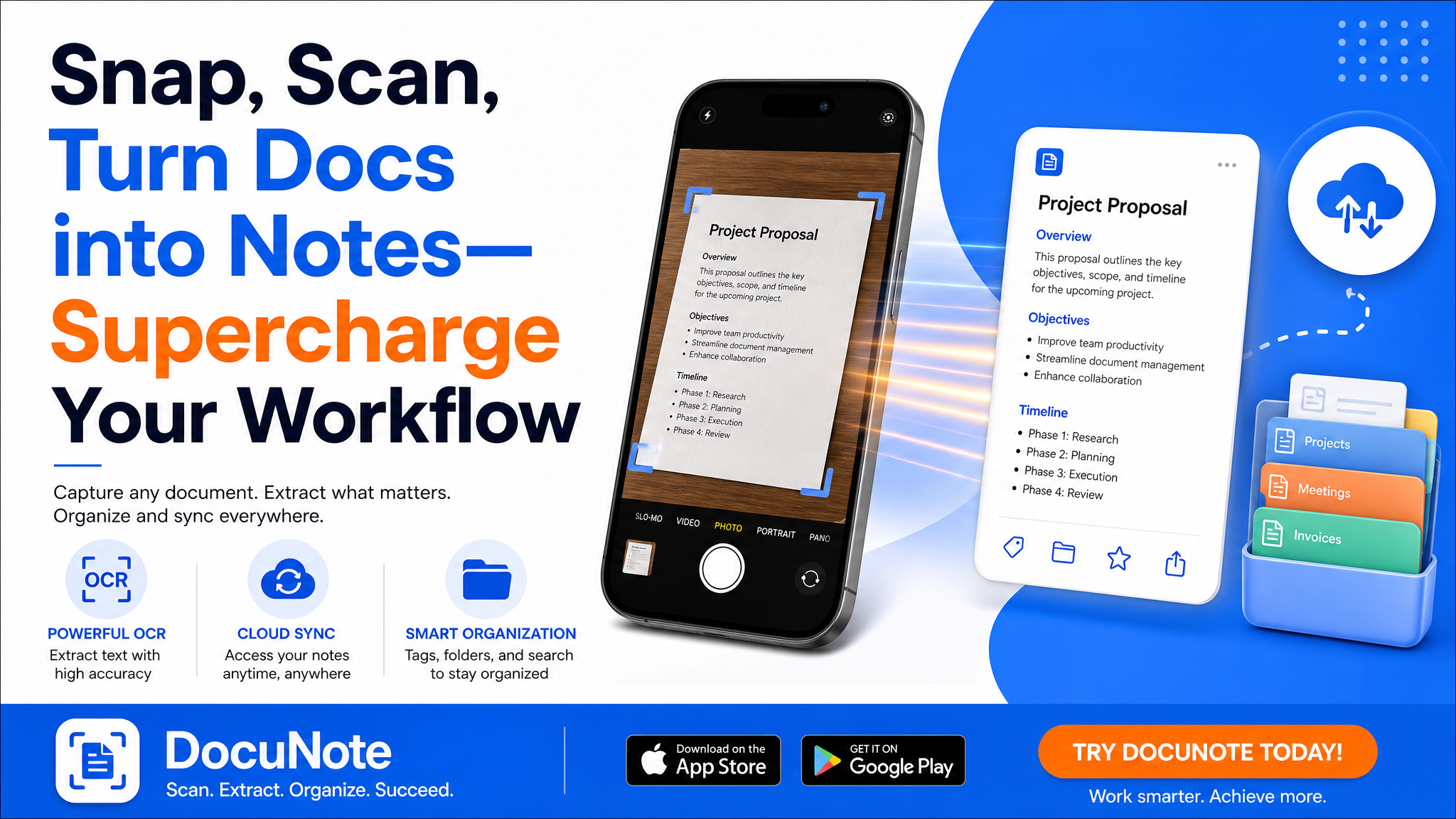
The tradeoffs you need to know
Tidenote handles printed text and clear handwriting well, but cursive or faded ink trips it up. The summary feature is aggressive—sometimes too aggressive, dropping nuance you might want later. And unlike a dedicated scanner app (like CamScanner), you don’t get batch processing or PDF export. This tool is built for capture and move on, not document archiving.
If your workflow involves long‑term storage, multiple pages per document, or precise OCR for legal papers, look elsewhere. But if you routinely snap meeting notes, whiteboards, or business cards and need them turned into something searchable within seconds, Tidenote saves real time.
Who should actually use this
I’d recommend it for students capturing lecture slides, professionals snapping brainstorming sessions, or anyone who hates retyping. Skip it if you need a heavy‑duty document manager or if most of your materials are already digital. Also, consider the privacy angle: the app processes content in the cloud, so sensitive documents might not belong here.
Overall, Tidenote doesn’t replace Evernote or Notion, but it fills a specific gap: turning the physical world into usable notes in one smooth motion. Try it on your next messy whiteboard and see if it clicks.
Comments
Leave a Comment