During meetings, you can't jot everything down, and after they're over, you don't want to revisit your notes. Lecture content is forgotten as soon as it's heard, and reviewing notes feels like deciphering an alien language. Research materials pile up like a mountain, but the truly valuable insights require reading from start to finish to find. I've tried many note-taking tools, but most just move the act of typing to a screen, without fundamentally solving the problem of information overload.
So when I heard about Tidenote (tidenote), an AI note-taking software, my first reaction was, "Here's another one." But after using it a few times, I went from "another one" to "this is actually a bit different."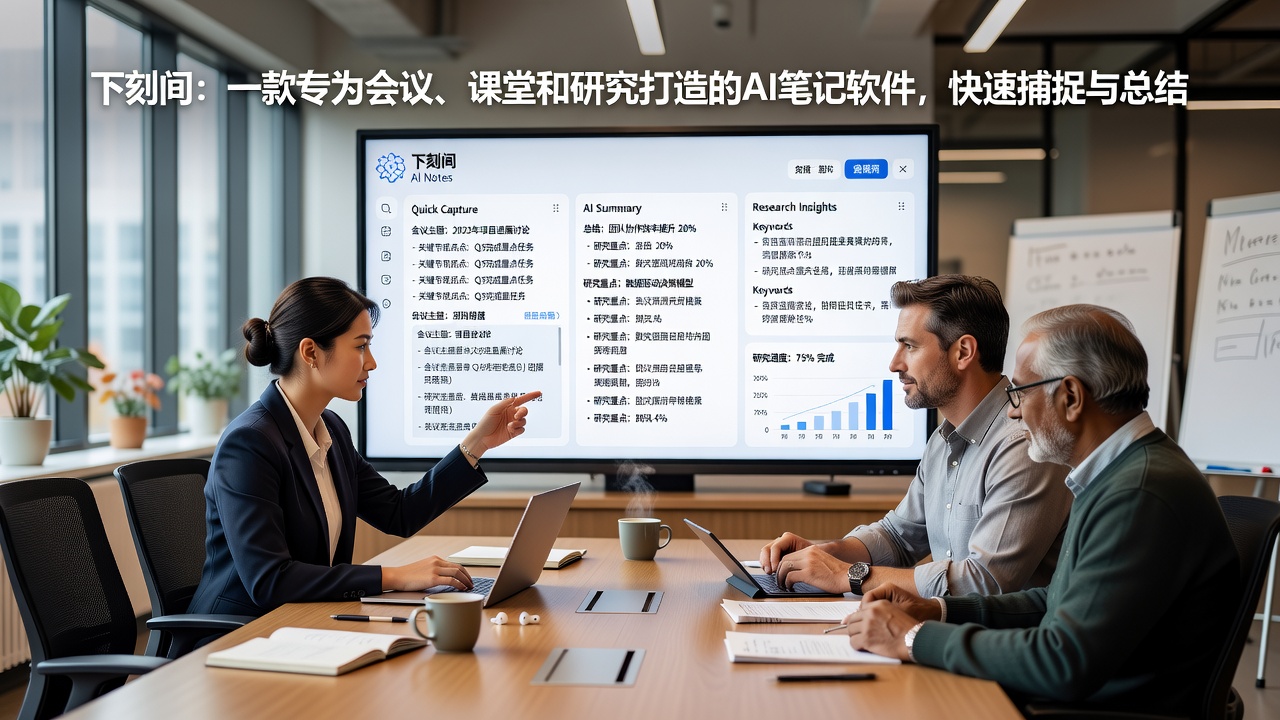
It's Not a Voice Recorder; It's a Clone of Your Second Brain
During a two-hour board meeting, I used Tidenote to record. After it ended, by the time I grabbed a glass of water, it had already produced the meeting minutes—divided into four sections: Decisions, Action Items, Points of Contention, Next Meeting Topics. This structured output is straightforward, not a mindless chronicle like "Today's meeting discussed A, B, C."
The most important thing is that it removes all the filler words like "um," "uh," and "you know" from everyone's speech, leaving only the substance. When you review the minutes, there's no need to re-listen to the original recording at double speed.
Real-Time Lifesaver in the Classroom
Once, I rushed to sit in on a lecture where the speaker talked very fast and flipped through slides so quickly that I couldn't copy down the key points. All I could do was open Tidenote and record it. After class, it summarized the entire one-hour lecture in just 300 words. I copied the summary into Notion and archived it along with the original recording. When reviewing, if I wanted to dig deeper into a specific sentence, I could click the summary to jump directly to that point in the recording, without aimlessly dragging the progress bar through the entire audio.
Condensed Reading for Research
For papers or research reports, Tidenote's approach surprised me—it doesn't simply condense content into a few keywords; instead, it helps you reorganize the logical chain. I tried uploading a 17-page industry analysis report, and the summary it generated was clearer in logic than the original, even moving a key piece of data from page four of the original document to the beginning. This ability to "rethink" directly saved me time from cross-comparing.
Is It Perfect? Not Quite
I have to say, Tidenote is not a cure-all. It has two drawbacks that bother me:
- The free version has limited recording time. If a full class is 90 minutes, you can only record part of it. For lengthy research interviews, you have to pay for full transcription.
- Accuracy drops in complex conversations. When multiple people talk over each other or when there's a heavy dialect, the AI starts to "make up lines," and occasional bizarre sentences appear in the summary. However, this can be corrected by manually marking problematic segments—it's not a major issue.
Moreover, its support for handwritten notes is weak—if you're used to drawing mind maps or sketches during a lecture, Tidenote cannot recognize these graphical elements. It's essentially an audio/text processing tool, not a whiteboard app.
Who Will Love It? Who Might Be Disappointed?
If you're one of these types, I think you can go for it without hesitation:
- Professionals who frequently hold meetings and need meeting minutes
- Students who are used to recording and replaying lectures for review
- Researchers who conduct interviews or fieldwork and need to document
But if what you need isn't "recording + summarizing" but rather deep knowledge graph building or personalized note-taking styles (like bidirectional links, Zettelkasten), then Tidenote is better suited as an entry tool—use it to quickly capture and rough-process, then migrate the results to your actual note-taking system.
Among current AI note-taking tools, Tidenote has found a precise niche: it doesn't try to do everything, nor does it aim for flashy features. It focuses on breaking down long content, reorganizing it, and extracting key points, helping you escape the predicament of "having listened but not really heard." Whether it ends up being your final tool depends on whether you're willing to make "record it, hand it to AI" a new work habit.
Comments
Leave a Comment