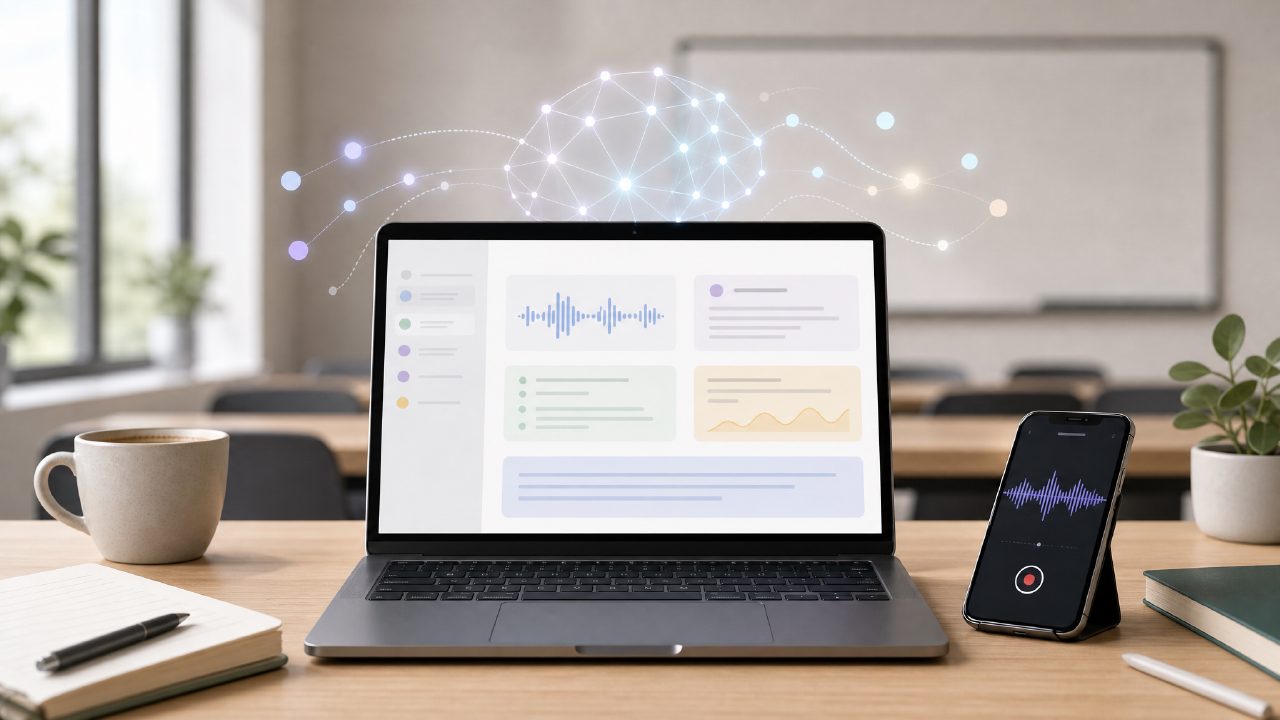
I needed a free AI note-taking app that could handle both classroom lectures and quick meeting recaps. After running into subscription walls with other tools, I decided to test Beanly — the app that also goes by tidenote in some app stores and 小片刻 in Chinese markets. A friend in a startup mentioned he used it daily, so I figured it was worth a proper trial.
First impressions: clean, simple, a little too minimal
The interface is surprisingly light. No onboarding walkthrough, just a single workspace with a start button. I recorded a 20-minute team sync and let the AI process it. The transcription came back in about 90 seconds, which felt fast but not instant. What stood out was the summary — it actually caught the action items without me having to edit anything. That’s rare for a free AI note taking app 2026 — most force you into a paid plan after a week.
But there’s a catch. The formatting is a bit rigid. Bullet points get merged into paragraphs, and I had to manually split some lines. For a quick overview it works, but if you need structured notes you’ll find yourself cleaning up the output.
What works (and what doesn’t)
I tested Beanly in three real scenarios:
- An hour-long research seminar: The speaker jumped between topics and referenced a lot of citations. Beanly managed to capture the main thread but missed some specific references. The summary was usable, but I had to re-listen to one section to confirm a statistic.
- A client brainstorming call: Here it shone. The AI picked up creative ideas and organized them into a short digest. My client was impressed I sent the recap within five minutes.
- A class on machine learning basics: The technical terms came through mostly correct, but a few jargon words were misheard. For example, “convolution” became “connotation.” Not a dealbreaker, but you can’t blindly trust the output.
The app includes a sidebar for notes and a folder system, but no tag or search filter yet. That means you’re scrolling through titles if you record more than 20 sessions. I also noticed the app occasionally stalls when processing a second file before the first one finishes. A small friction, but noticeable if you binge-record.
A word on the branding
This might confuse some people. The app is called Beanly on most directories, but I saw it listed as tidenote in a few places, and the Chinese version is marked 小片刻. They all link to the same service, so don’t be thrown off. I also compared it against bearly, another AI note tool, but bearly’s free tier limits you to three recordings a month. Beanly gives you more breathing room — something like 20 recordings before you hit a soft limit.
Is this the best free AI note taking app of 2026?
Honestly, it depends. If you need fast, decent summaries with little fuss, Beanly is a solid candidate for best free AI note taking app this year. The tradeoff is accuracy on dense material and a somewhat bare-bones organizer. For students in lecture-heavy courses, it saves time. For lawyers or researchers, you’ll need a backup check.
Would I pay for it? Not yet. The free version gets the job done as long as you tolerate occasional typos and a lack of deep sorting. If Beanly adds a search filter and a better paragraph-to-list detection, it could become a legit daily driver. Until then, it’s a practical pick for quick recaps — just don’t expect it to replace your manual note-taking entirely.
Comments
Leave a Comment