You sit through a 90-minute strategy call, typing furiously, and by the end you have a wall of text that somehow misses the three decisions that actually mattered. Or you're in a lecture where the professor talks fast, and your notes capture the words but not the logic. This is the gap that AI note taking tools are trying to bridge — not just recording more, but distilling faster. Beanly sits squarely in this space, promising to turn long content into clear summaries in seconds. But does it actually hold up when you're mid-meeting and trying to both participate and capture what matters?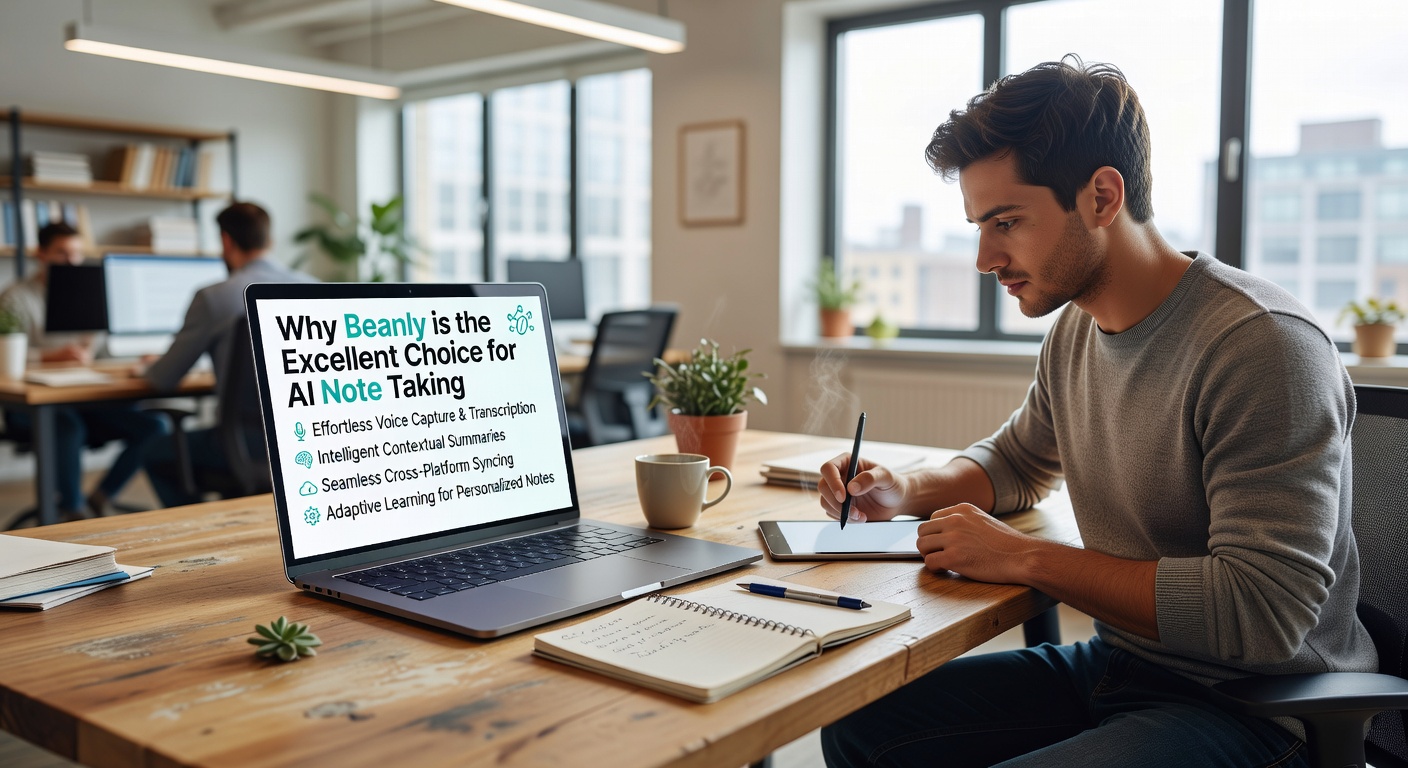
Where Beanly's AI Note Taking Actually Helps
The strongest case for Beanly is in situations where you can't pause and organize. During a live meeting, you're either engaged in the conversation or you're heads-down in your notes. Beanly lets you stay present while it handles the capture-and-condense loop. You feed it a transcript or recording, and it pulls out action items, key decisions, and open questions without you having to manually hunt through paragraphs.
In a research context, the benefit is different. You might be skimming three long papers that overlap in methodology but differ in conclusions. Beanly can compress each one into a short summary that preserves the core argument, so you can compare positions before diving deep into any single text. It's not replacing your reading — it's giving you a faster entry point.
For classes, the practical win is replayability. You record the lecture, let Beanly process it, and you get a structured breakdown instead of a raw transcript. When exam season hits, you're reviewing organized sections, not scrolling through an hour of unstructured audio-to-text.
What It Doesn't Do Well
Beanly is built for compression and clarity, not for deep annotation. If your workflow depends on tagging every sentence with custom labels, layering in marginalia, or building interconnected note graphs, you'll feel the ceiling quickly. The tool prioritizes output speed over granular control. That's a deliberate tradeoff — it means less fiddling, but also less flexibility for people who think through their notes rather than just collect them.
There's also a language and accent sensitivity issue that most AI note taking tools share. Dense technical jargon, heavy use of acronyms, or speakers with strong accents can produce summaries that miss nuance or hallucinate connections. You still need to eyeball the output before trusting it, especially in high-stakes contexts like legal or medical discussions.
Should You Use Beanly or Stick with Manual Notes?
The honest answer depends on what you're trying to solve. If your core problem is volume — too many meetings, too many lectures, too many papers — and you need faster extraction of the important bits, Beanly is a practical tool that does this job without overcomplicating things. It's especially useful if you regularly revisit the same types of content and just want the gist quickly.
But if note taking is part of how you think — if you write to process, not just to store — then AI summaries will feel hollow. The act of selecting what to write down is itself a form of understanding. Beanly skips that step, which saves time but also removes that cognitive layer. Some people learn better by struggling through their own notes. If that's you, use Beanly as a supplement, not a replacement.
Compared to alternatives like Otter or Notion AI, Beanly is narrower in scope. It doesn't try to be a workspace or a transcription platform first. It's focused on the summarize-and-organize step. That focus makes it simpler to pick up, but means you'll likely still need a separate place to store and work with the output long-term.
AI note taking isn't magic, and Beanly doesn't claim to be. It's a compression tool that works well when your input is clear and your need is speed. Use it for the meetings you can't fully focus on, the lectures you need to review fast, and the papers you need to triage before reading deeply. Just don't hand it your thinking and expect it to do that part too.
Comments
Leave a Comment