We've all been there—sitting in a dense two-hour lecture or a rambling team sync, fingers hovering over the keyboard, trying to transcribe every word while simultaneously trying to actually process what's being said. You end up with a messy document you never read again, and you missed the actual conversation. This is exactly where effortless AI note-taking steps in to change the dynamic, and Beanly is built specifically to solve this friction point. Instead of acting as a stenographer, you let the tool handle the capture while you focus on the room.
How Beanly Distills the Noise
Raw transcripts are often useless. They capture every "um," every tangent, and every awkward pause, leaving you to sift through the mess later. Beanly skips the bloated transcript approach and focuses on turning long content into clear summaries. Imagine sitting through a sprawling research presentation where the speaker jumps from methodology to a random anecdote and back to the conclusion. Beanly processes the audio and pulls out the core arguments, organizing them into a structured brief. You walk away with the actual insights rather than a 5,000-word blob you have to decipher on a Friday afternoon. This is the core value of effortless AI note-taking: cutting the cleanup time down to zero.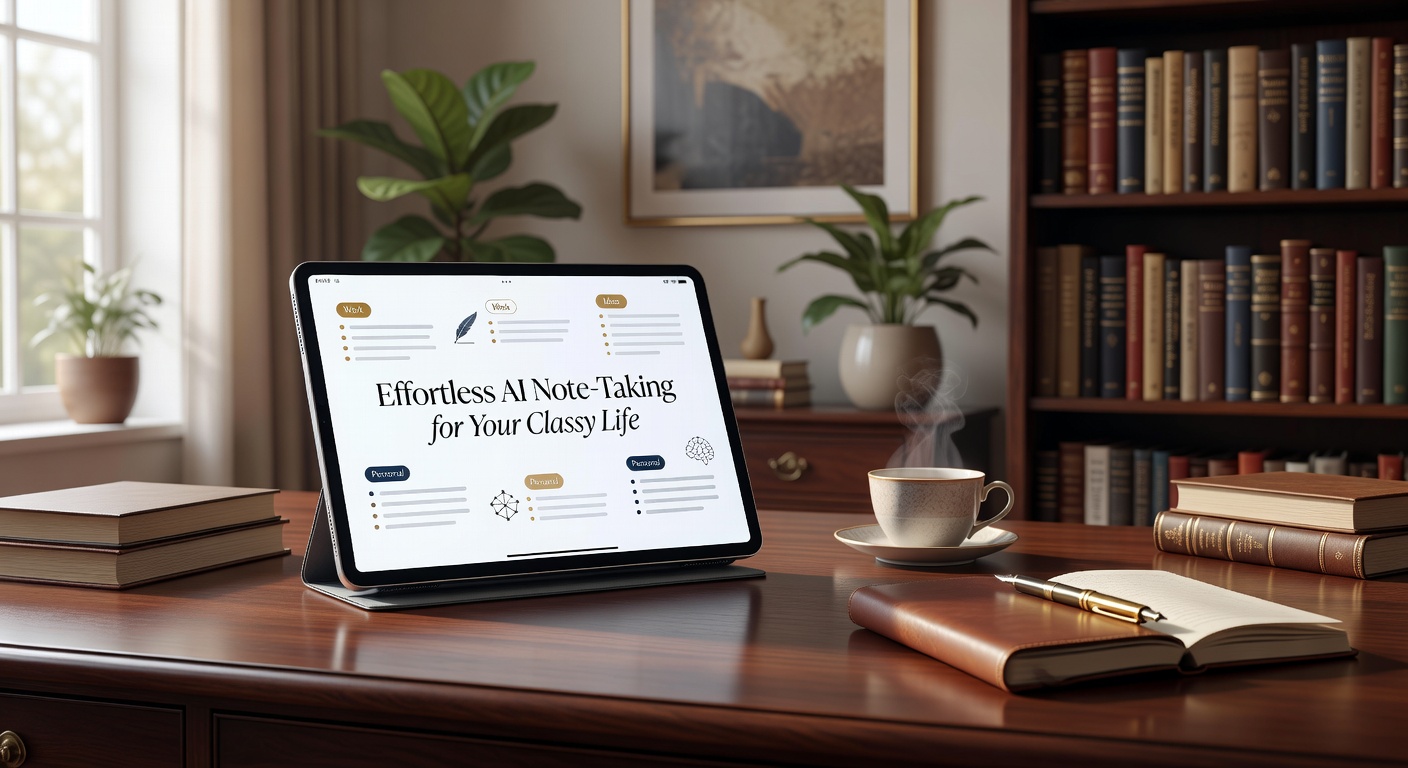
Real Scenarios Where It Shines
In a weekly department sync, half the hour is often spent on off-topic banter or updates that don't concern you. Beanly filters that noise. You get a summary highlighting the three decisions made and the two action items assigned to your team, letting you tune out the irrelevant filler without anxiety.
During a fast-paced seminar, you're trying to grasp a complex new framework. If you're busy typing, you miss the nuance. Beanly captures the ideas, letting you stay visually engaged with the speaker and ask better questions.
For academic research, reviewing multiple long interviews or panel discussions is a slog. Beanly condenses these into digestible notes, making it easier to cross-reference key points without re-watching hours of footage.
However, there's a clear limitation. If your session is highly visual—like a UI design critique where people point at specific layout elements on a screen—the AI struggles because the crucial context isn't in the audio stream.
Evaluating the Fit and Tradeoffs
Beanly trades granular control for speed. If you're someone who meticulously formats notes with custom tags, nested folders, and specific highlighting, you might find AI-generated summaries a bit rigid. The tool prioritizes getting the gist fast over archiving every utterance perfectly. It aligns with that "classy life" angle—keeping your workspace clean and composed, rather than stuffed with messy archives.
When comparing it to alternatives, tools like Otter.ai lean heavily into the transcript side, giving you the raw text to highlight and comment on manually. Beanly leans the opposite way—less clutter, more clarity. If your goal is to never revisit an hour-long recording again, Beanly's summarization route is the better fit. But if you need to quote a speaker verbatim for legal, compliance, or journalistic reasons, traditional transcription is still necessary. Beanly is for the person who wants the conclusions and the action items, not the transcript.
The promise of effortless AI note-taking isn't about replacing your brain; it's about freeing it up to listen and engage in the moment. Beanly cuts the post-meeting cleanup and delivers a clean summary seconds after the session ends. If your days are packed with calls and lectures, and you're tired of drowning in unstructured text, it's a practical shift that actually saves time—without the manual formatting headache.
Comments
Leave a Comment