Most AI note tools charge you for a feature list you'll never fully use. Transcription, summaries, action items, integrations, storage tiers, team seats — it adds up fast, and half of it sits untouched. If you mostly need to capture what was said, pull out the key points, and move on, you're essentially paying a premium for features built for someone else's workflow.
Beanly Notes is built around that simpler use case. It handles AI-powered notes for meetings, classes, and research — record or paste your content, get a clean summary, organize your notes. No sprawling dashboard, no onboarding checklist, no upsell to a team plan you don't need.
What It Actually Does Well
The core loop is fast. You bring in audio or text, Beanly processes it and returns a structured summary with the main points pulled out. For a one-hour lecture or a 45-minute client call, that turnaround is genuinely useful — you're not waiting around or manually cleaning up a raw transcript.
A few scenarios where it holds up well:
- You're a student recording lectures and need condensed notes before an exam, not a verbatim transcript.
- You're a freelancer on back-to-back calls who needs a quick recap without paying for an enterprise tool.
- You're doing research and want to dump a long article or document and get the substance out fast.
- You take a lot of voice memos and want them turned into readable notes without manual editing.
In these cases, Beanly does the job cleanly. The summaries are coherent, the organization is sensible, and you're not fighting the interface to get to the output.
Where the Tradeoffs Show Up
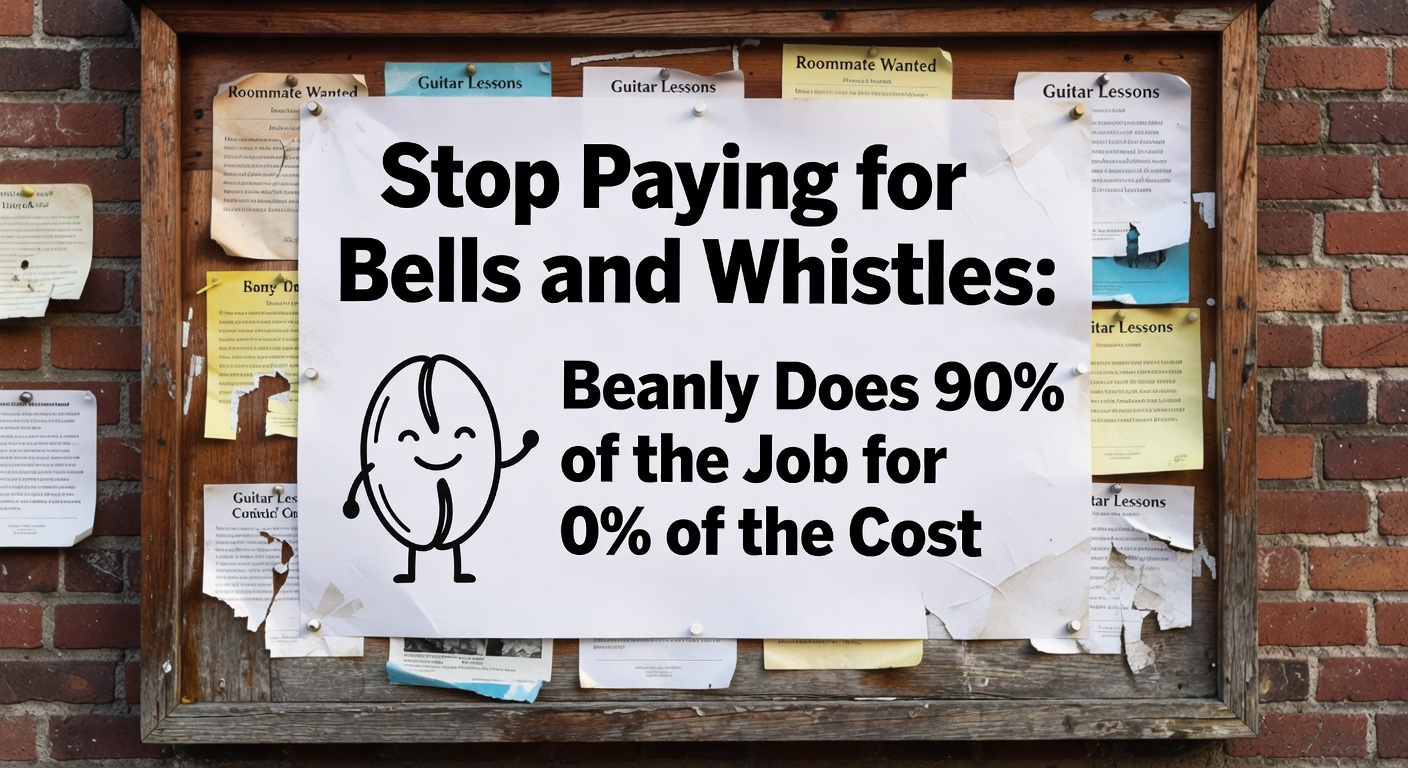
Free doesn't mean unlimited, and "90% of the job" is an honest framing — not a complete one. If you need speaker identification across multiple voices, deep CRM integrations, or searchable archives across hundreds of past meetings, Beanly isn't trying to compete there. Those features exist in tools like Otter.ai, Fireflies, or Notion AI, and they cost accordingly.
The question is whether you actually need them. A lot of people paying $20–$30/month for those platforms are using maybe two or three features regularly. If your real workflow is "record, summarize, save," the gap between Beanly and a paid tool is mostly features you'd ignore anyway.
One realistic concern: if your meetings involve heavy technical jargon or multiple accents, AI transcription accuracy can vary. That's not unique to Beanly — it's a limitation across the category. Worth testing with your actual content before committing to any tool.
Who Should Look Elsewhere
If your team needs shared workspaces, admin controls, or compliance-grade recording storage, you're outside Beanly's scope. Same if you need live real-time transcription synced to a video call with automatic follow-up email drafts. Those are legitimate needs — just not what this tool is optimized for.
But if the reason you haven't adopted an AI notes tool yet is the price or the complexity, Beanly removes both of those blockers. It's a focused tool that does what it says, without asking you to configure a system before you can use it.
For most individual users — students, solo professionals, researchers — Beanly covers the core need without the overhead. That's a reasonable trade.
Comments
Leave a Comment