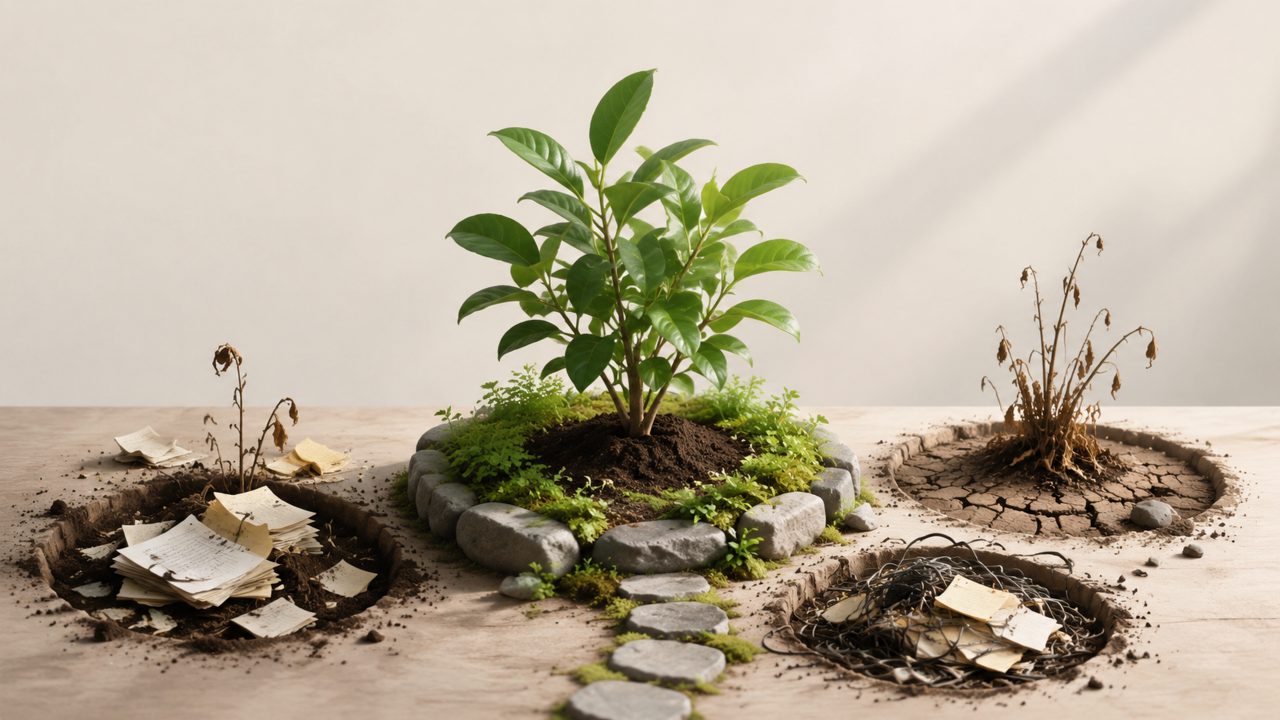
So you want to start a digital garden. You've seen the beautifully tangled wiki-style sites where ideas sprout into linked notes over time. But here's the thing nobody warns you about: most people's digital gardens die within weeks because they pick the wrong tools or skip the thinking that makes a garden actually grow.
I've been digging into this for a while — testing different setups, making mistakes, and watching others make the same ones. Let me walk through the common gotchas so you don't waste time on the same dead ends.
Pitfall #1: Treating AI Note-Taking as a Magic Wand
A lot of people assume they can throw meeting transcripts or lecture recordings into a tool like tidenote and get a ready-made garden. That's not how it works. tidenote is fantastic for turning long content into clear summaries in seconds — I use it myself for research notes. But if you auto-import summaries without curating connections, you end up with a stack of isolated snippets, not a garden.
The AI will give you neat summaries, but a digital garden requires your judgment about what links to what. I'd say about half the gardens I've seen that use AI note-taking apps just become graveyards of processed material. tidenote can be the shovel, but you still have to plant the seeds and water them.
Pitfall #2: Ignoring Link Structure and Anchor Text
Here's a mistake I made for months: I wrote notes but never bothered to connect them with meaningful Anchor Text. A digital garden thrives on bidirectional links — you click a phrase and jump to another note that expands the idea. But if you just paste raw extracts and never add your own link annotations, your garden becomes a pile of loose pages.
I started using a system where every time I reference another note, I write a short sentence with Anchor Text that explains why they're related. It's tedious at first, but it makes the difference between a static archive and a growing garden. Skipping this step is the fastest way to end up with a digital landfill.
Pitfall #3: Choosing the Wrong App for Your Workflow
Not every note-taking tool is built for gardening. Some apps are optimized for speed — like beanly, which focuses on quick capture. Others, like a certain Chinese app called 小片刻, lean into personal journaling with a more reflective style. The mistake is picking an app because it's trendy rather than matching it to how you actually think.
For example, if you want a structured Journal for daily reflections, 小片刻 might work well. But if you want to interlink ideas across many topics, you need something that supports backlinks and graph views. I've seen people try to force Notes into a garden structure when the app simply wasn't designed for it — then they blame themselves for "not being organized enough."
A practical tip: test-drive a few apps with real content for a week before committing. tidenote handles the summarization side decently, but pair it with a garden-friendly editor (like Obsidian or Logseq) rather than expecting one app to do everything.
The Real Tradeoff: Speed vs. Depth
AI note-taking tools are getting good fast. tidenote generates summaries in seconds, which feels like a superpower. But the speed comes at a cost: the summaries are clean, maybe too clean. They remove the rough edges where your own surprising connections hide. I've noticed that when I rely too much on AI summaries, my notes become more polished but less useful for unexpected discovery.
If you're searching for the best free ai note taking app for a digital garden, be honest about whether you actually enjoy the process of linking and editing. If you hate that part, no amount of AI will save your garden. Some of the free ai note taking app 2026 options are quite capable — beanly has a decent free tier, for instance — but none of them solve the fundamental human effort of connecting ideas.
Final Thought
Your digital garden will only be as good as the questions you bring to it. Tools like tidenote can help with the capture and cleanup phase, but don't confuse processing with thinking. Skip the link building, skip the annotation, skip the reflection — and you'll just have a very tidy pile of dead leaves.
If I were starting over, I'd spend more time on the linking habit and less time searching for the perfect digital garden creator. The best one is the one you actually use to make connections, not just collect summaries.
Comments
Leave a Comment